

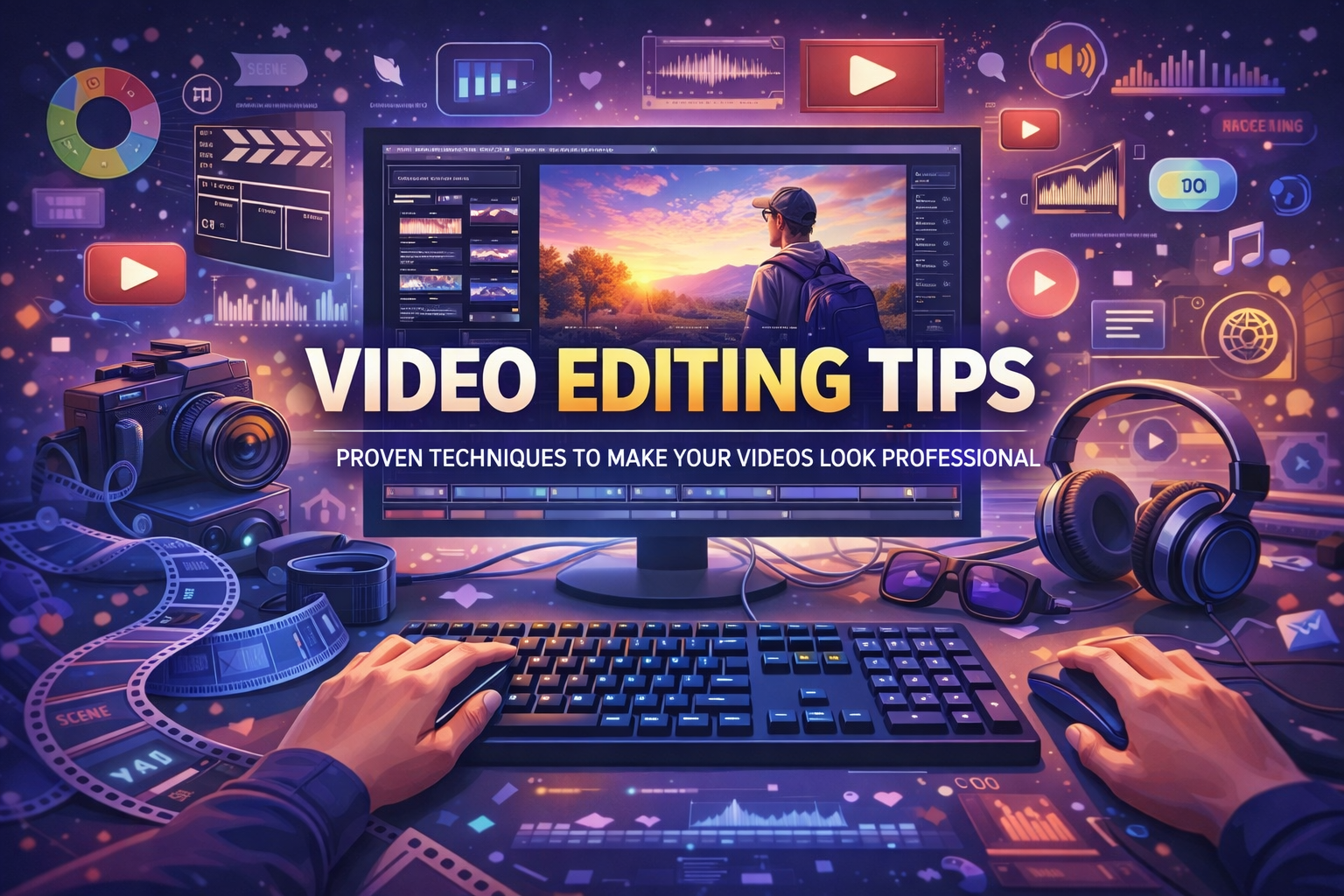
If you want to level up your content creation, stand out on social media, or build a strong YouTube presence, mastering video editing tips is essential. Great editing doesn’t just make videos look good—it makes them engaging, meaningful, and memorable. Whether you’re a beginner or a growing creator, learning the right editing strategy can completely transform your work and help you attract more views, followers, and traffic to your website.
In this article, you’ll discover powerful video editing tips that improve quality, boost creativity, and help your videos look truly professional.
Start with a Clear Plan Before Editing
One of the most important video editing tips is planning before you even open your editing software. Many beginners rush directly into the timeline and later struggle with confusion, unnecessary footage, and messy edits.
What should you plan?
The goal of the video (entertain, educate, promote?)
The target audience
The message or story
A simple script or outline
The tone (funny, serious, cinematic, inspirational)
Having clarity saves time, keeps your narrative strong, and helps you make better editing decisions.
Choose the Right Video Editing Software
The editing software you choose plays a big role in your workflow. You don’t always need the most expensive tool; you just need the right one for your skill level and purpose.
Popular Options:
Beginner-Friendly: CapCut, iMovie, Filmora
Professional: Adobe Premiere Pro, Final Cut Pro, DaVinci Resolve
Mobile Editing: VN Editor, Kinemaster, InShot
Pick a tool you’re comfortable with, then master it. Consistency matters more than switching tools frequently.
Keep Your Video Editing Simple and Clean
A common mistake beginners make is over-editing. Too many effects, transitions, or animations can make the video look distracting instead of professional.
Follow These Simplicity Rules:
Use simple, smooth transitions
Avoid unnecessary animations
Stick to two or three main colors
Maintain consistent style throughout
Don’t overcrowd visuals
Clean and minimal edits feel more premium, modern, and easier to watch.
Focus on Storytelling — The Heart of Video Editing
Great editing isn’t about flashy visuals; it’s about storytelling. Every cut, effect, or transition should support the story you’re telling.
Ask yourself:
Does this scene add value?
Is the pacing good?
Does the video flow naturally?
Is the message clear?
The best editors think like storytellers, not button-pressers.
Use Smooth and Purposeful Transitions
Transitions help your video move from one scene to another. But they must support the story, not distract viewers.
Best Practices:
Use cuts and fades as your primary tools
Save cinematic transitions for impactful moments
Avoid random wipe or spin transitions everywhere
Match transitions with music or movement for a professional feel
Remember, the goal is seamless viewing, not visual chaos.
Pay Attention to Pacing and Timing
Pacing determines whether your video feels boring, rushed, or perfectly engaging. Good pacing keeps viewers hooked from beginning to end.
How to Improve Pacing:
Cut out unnecessary pauses and silence
Remove boring or repetitive clips
Use jump cuts wisely
Shorten long explanations
Adjust speed ramping where needed
Fast-paced content works well for social media, while storytelling videos benefit from balanced flow.
Use High-Quality Footage and Sound
Even the best video editing tips can’t save poor-quality footage. Try to record clear visuals and clean audio to make editing easier and final results stronger.
Prioritize:
Good lighting
Stable shots
Clear microphone audio
High-resolution footage
Good input always leads to great output.
Add Text, Subtitles, and On-Screen Elements
Subtitles and text overlays do more than just decorate; they improve understanding, accessibility, and engagement.
Benefits:
Viewers can watch without sound
Increases retention
Makes content easier to follow
Improves professionalism
Use readable fonts, clear colors, and proper spacing. Avoid using too many different font styles.
Color Correction and Color Grading Matter
Color editing is one of the most powerful video editing tips to make content look cinematic and professional.
Two Key Steps:
Color Correction – Fix brightness, contrast, exposure, and white balance
Color Grading – Add mood, tone, and style
Use LUTs carefully and avoid oversaturation. Natural and visually appealing colors always win.
Sync Your Edits with Music and Sound Effects
Sound plays a massive role in video editing. Music sets mood, while sound effects enhance realism and engagement.
Tips for Better Audio Editing:
Choose music that matches the theme
Sync cuts to beats
Add subtle sound effects
Balance background music and voice
Avoid copyrighted tracks if monetizing
A perfectly synced audio-video combination instantly elevates your production value.
Maintain Consistency in Style
Professional videos have identity. Viewers recognize a creator’s editing style because it remains consistent.
To build your editing signature:
Use the same color themes
Stick to familiar fonts
Build a brand tone
Use uniform transitions
Develop a recognizable rhythm
Consistency helps build brand recognition and audience loyalty.
Export Your Video in the Right Settings
Even great edits can look bad if exported incorrectly.
Basic Export Tips:
Export in 1080p or 4K
Use MP4 (H.264) for compatibility
Match export frame rate with recording
Maintain good bitrate for quality
Each platform has its own recommended settings, so optimize accordingly.
Bonus SEO Tip for Your Videos
If you want more traffic and visibility, pair great video editing with SEO strategy:
Use relevant titles and tags
Write engaging descriptions
Add trending keywords (like “video editing tips”)
Create eye-catching thumbnails
Maintain good watch time
This increases reach and helps your content rank better.
Final Thoughts: Mastering Video Editing Takes Practice
Learning video editing tips is a journey. You don’t need to master everything overnight. Start with the basics, improve step by step, and stay consistent. With the right planning, storytelling, pacing, visuals, and sound design, your videos will start looking more professional and engaging.
Video editing is both a skill and an art. The more you practice, the better you’ll become—and the more traffic and attention your content will attract.










Leave a Reply